TRUGOLF APOGEE LAUNCH MONITOR
A ceiling mounted launch monitor with an ultra high speed stereoscopic camera system. It measures ball and club data on every swing and puts the shot on screen with no lag.
Send us your room and we will check it for free. Book a design call or call (512) 222 2220.
A ceiling unit shaped by golf center owners.
TruGolf built APOGEE with feedback from the owners of its indoor golf centers. It hangs from the ceiling, reads your own clubs and balls, covers righties and lefties from one spot, and runs E6 software in 4K.

What you get with the APOGEE
No lag between strike and flight
A stereoscopic high speed camera system captures the club and ball, and TruGolf's INSTANT IMPACT analysis sends the shot to the screen right away. The processing happens on the unit, so the ball leaves the screen tee the moment you hit it.

See impact in slow motion
After each swing APOGEE replays the strike in slow motion, so you can see what the club and ball did at contact right next to the numbers.

A laser shows where to tee it
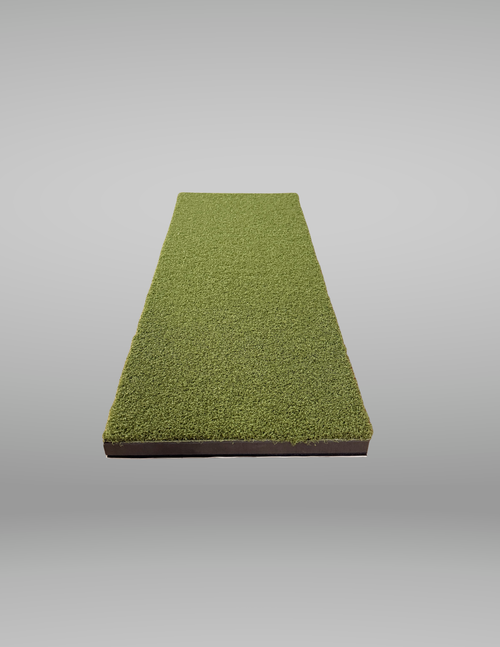
A laser marks the hitting spot on the turf. Guests and new players set the ball in the right place, and fewer shots go unread.

Call a mulligan out loud
APOGEE takes voice commands for the actions you use most. Say "Hey APOGEE, Mulligan" and it clears the last shot without a walk to the keyboard.

Your clubs, either side of the ball
Ball and club data come from standard balls and clubs with nothing attached. The ceiling position covers right and left handed golfers without moving anything.
E6 CONNECT in the box
Every APOGEE ships with an E6 CONNECT key, TruGolf's own simulator software, so you can play and practice the day it goes up. Course access depends on your E6 plan, and we can walk you through the options.


Full specs
Data
Tracking
Space needed
Size and weight
How much room do I need?
Beyond the ceiling height, plan about 16 ft of depth so you hit from about 10 ft off the screen, and 14 ft of width if lefties and righties both play. Swing a driver in the room before you commit.
What wiring does it need?
A ceiling outlet at the mount and a Cat6 run to the PC. The CAT6 cable comes in the box, and conduit makes it easy to swap later.
What PC should I get?
A Windows desktop with an RTX 5070 or better, 32 GB of RAM and an Intel i7 or better. For 4K, pick a graphics card ending in 70 or higher. Gungho does not sell PCs, but send us the build and we will check it.
Will it work in a commercial bay?
Yes. It was designed with TruGolf's own golf center owners. For bays that see heavy use, we recommend a built in screen over an enclosure, and keep the hitting spot no more than 11 to 12 ft from the screen.
What projector goes with it?
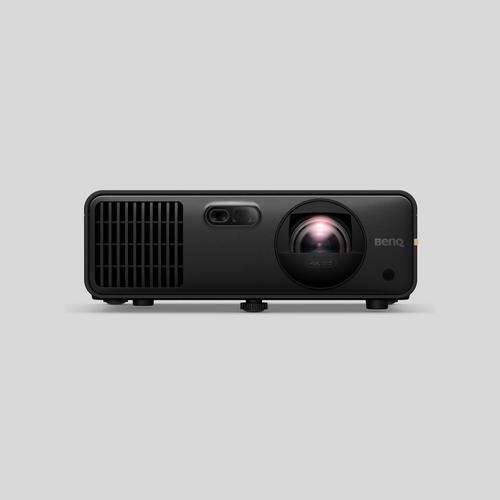
Our best seller, the BenQ AK700ST, is a good match. Hang the projector about 1 in lower than APOGEE so it does not shadow the unit.
Do you install it?
Yes. We install simulators across the US, including mounting, wiring and calibrating APOGEE. Call (512) 222 2220 for a quote.
What owners say
Complete the bay